CodeChat Bridge (VS ExtendTool)
A downloadable tool for Windows
CodeChat Bridge (VS ExtendTool)
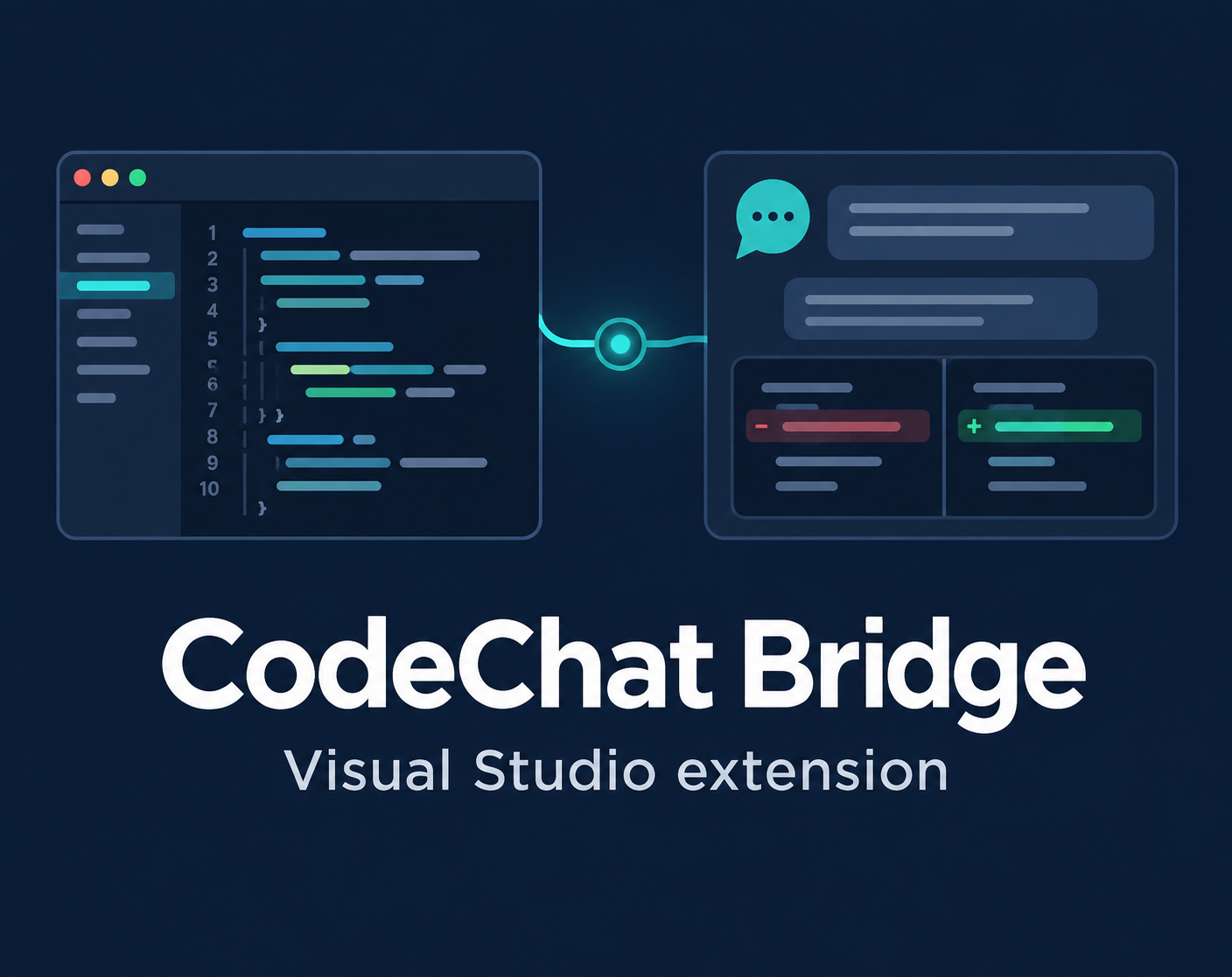
Ask ChatGPT about selected code and review proposed edits inside Visual Studio.
Free download · Optional contribution: suggested $2 USD
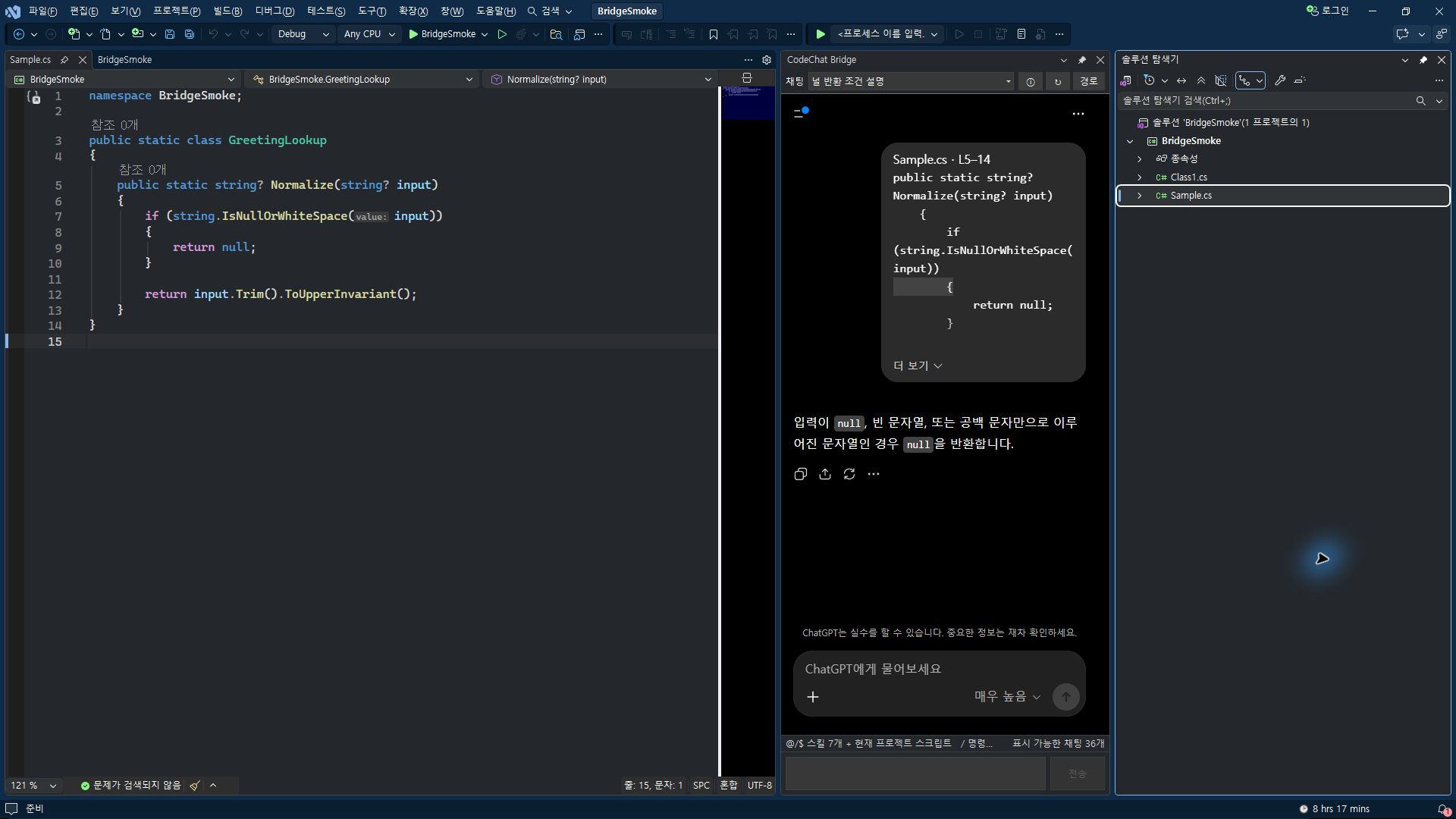
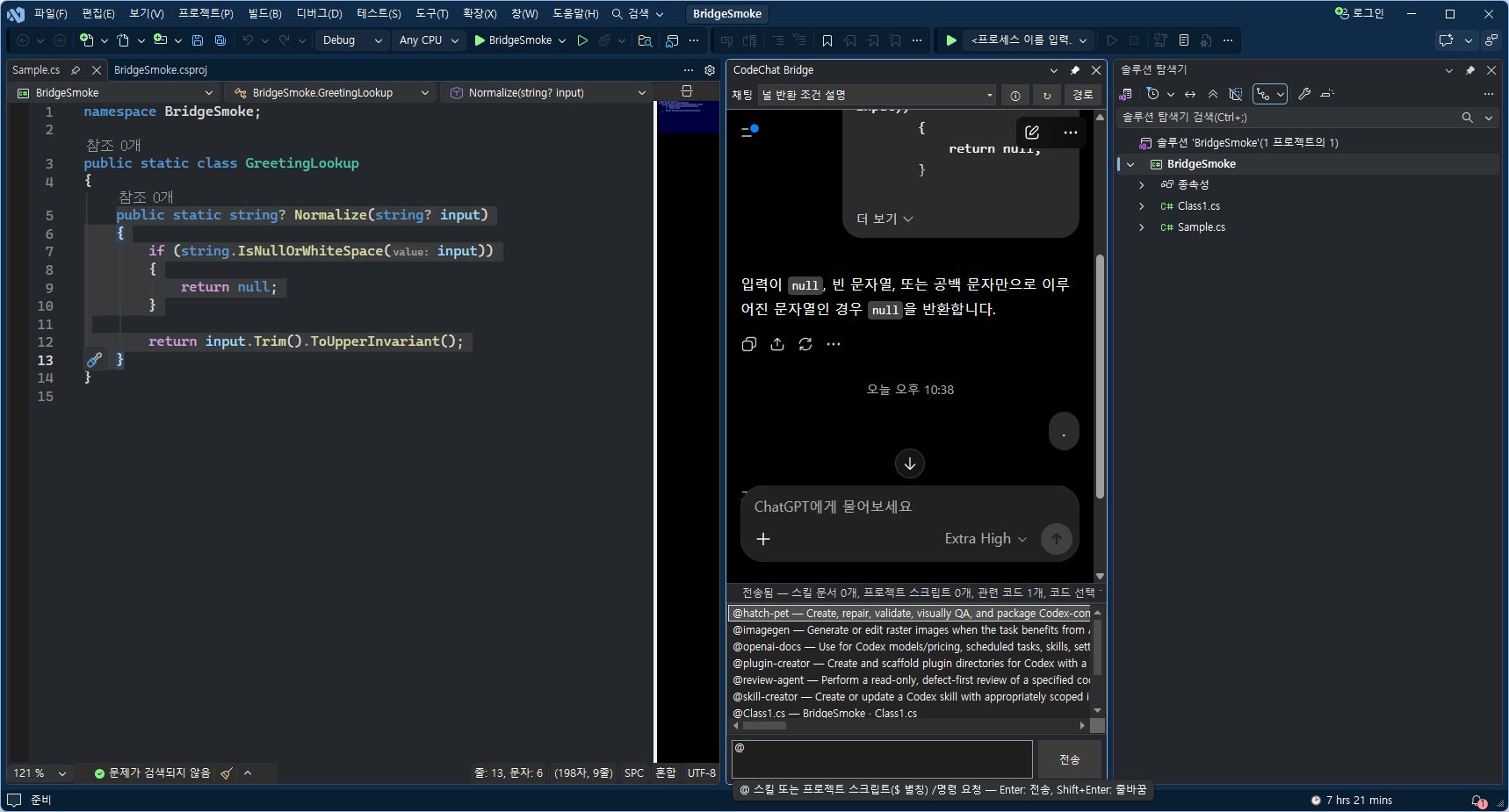
CodeChat Bridge brings selected code, related C# context, and local instructions into your ChatGPT web session inside Visual Studio. Ask about a function or request a change, then review the proposed edits before applying them.
What you can do
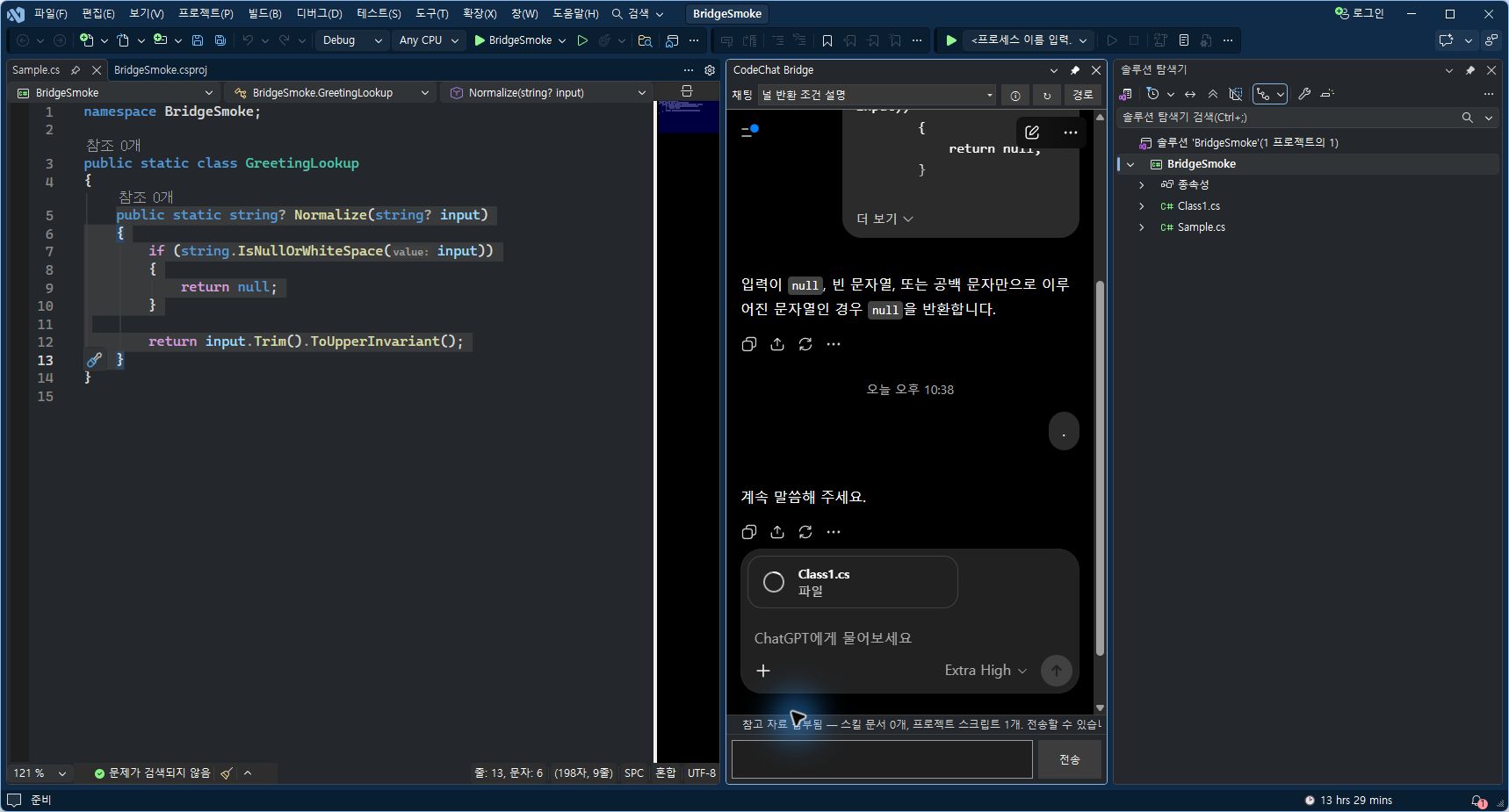
- Collect selected code from one or more files in a question.
- Include related C# symbols and references gathered with Roslyn.
- Attach local
SKILL.mdinstructions. - Review changes in an inline diff or multi-file review window, then apply or cancel them.
- Propagate supported simple C# field renames to project references.
Install and open
- Close Visual Studio and run the downloaded
.vsixfile. - Select the Visual Studio instance.
- Open Visual Studio and choose Tools → CodeChat Bridge.
- Sign in to ChatGPT in the tool window. Before the first send, review the data-transfer notice.
Requirements and data
- System: Windows x64, Visual Studio 2022 17.9+ or Visual Studio 2026, .NET Framework 4.8, WebView2 Runtime, internet, and a ChatGPT account.
- Verified: Visual Studio 2026 Community and Visual Studio 2022 17.9.2 (external user report). Professional and Enterprise are installation targets; runtime use is untested.
- Languages: Korean and English; other display languages fall back to English.
- Data: After consent, prompts, selected code, related context, file information, and selected
SKILL.mdmay reach your signed-in ChatGPT Web session. Check sharing permission. - Connection: No separate OpenAI API key or provider-operated AI relay server.
- Scope: Independent, unofficial OpenAI extension. Visual Studio Code and other AI services are unsupported; ChatGPT website changes may affect functions.
- Safety: Review diffs and keep a backup before applying edits. Build and test afterward.
- Support: Use this page's comments; omit confidential code and personal information.
Download and license
Version 0.2.61 · File: ChatCodeBridgeGPT-0.2.61.vsix.
- Use: Free for personal and commercial development.
- Contribution: Suggested $2 USD, optional; no extra rights or support.
- Package: Source code and debug symbols are not included.
- Redistribution: Prior written permission is required to redistribute or modify the installer, except for non-waivable legal exceptions.
- Review: Check what you send to ChatGPT and any proposed edits before applying them.
- Full terms: See the included bilingual EULA (
LICENSE2.2) andTHIRD-PARTY-NOTICES. - Payments and refunds: itch.io policies and applicable law apply.
한국어 안내
Visual Studio에서 선택한 코드를 ChatGPT에 질문하고, 수정안을 확인한 뒤 적용하는 확장 도구입니다.
무료 다운로드 · 선택 후원 권장액 $2 USD
CodeChat Bridge는 선택 코드와 관련 C# 문맥, 로컬 SKILL.md 지침을 Visual Studio 안의 ChatGPT 웹 대화로 가져옵니다. 코드에 관해 질문하거나 수정을 요청하고, 돌아온 변경안을 비교 화면에서 검토한 뒤 적용하거나 취소할 수 있어요.
주요 기능
- 여러 파일의 선택 코드 모아 질문하기
- Roslyn으로 관련 C# 심볼·참조 문맥 첨부하기
- 로컬
SKILL.md지침 첨부하기 - 인라인 또는 여러 파일 비교 화면에서 수정안 검토하기
- 지원되는 단순 C# 필드 이름 변경의 참조 전파
설치와 실행
- Visual Studio를 종료하고 내려받은
.vsix를 실행합니다. - 설치할 Visual Studio 인스턴스를 고릅니다.
- Visual Studio에서 도구 → CodeChat Bridge를 엽니다.
- 창 안에서 ChatGPT에 로그인합니다. 첫 전송 전에 데이터 전송 안내를 확인해 주세요.
환경과 데이터 안내
- 실행: Windows x64 · Visual Studio 2022 17.9 이상 또는 Visual Studio 2026 · .NET Framework 4.8 · WebView2 Runtime · 인터넷 · ChatGPT 계정
- 검증: Visual Studio 2026 Community와 외부 사용자 환경의 Visual Studio 2022 17.9.2에서 실행 확인. Professional·Enterprise는 설치 대상이며 실행 미검증.
- 언어: 한국어·영어. 그 외 표시 언어는 영어.
- 전송: 동의 후 질문·선택 코드·관련 문맥·파일 정보·선택한
SKILL.md가 ChatGPT 웹으로 전달될 수 있음. 공유 권한 확인. - 연결: 로그인한 ChatGPT 웹 사용. 별도 OpenAI API 키·제공자 AI 중계 서버 없음.
- 범위: OpenAI 비공식 독립 확장. Visual Studio Code·다른 AI 서비스 미지원. ChatGPT 웹 변경 시 일부 기능 영향 가능.
- 안전: 수정안 적용 전 비교·백업, 적용 후 빌드·테스트.
- 문의: 이 페이지 댓글. 비공개 코드·개인정보는 게시하지 않기.
다운로드와 이용 조건
버전 0.2.61 · 파일: ChatCodeBridgeGPT-0.2.61.vsix.
- 사용: 개인·상업 개발에 무료로 사용할 수 있습니다.
- 후원: 권장액 $2 USD는 선택 사항이며 추가 권리나 지원을 제공하지 않습니다.
- 포함 내용: 소스 코드와 디버그 심볼은 포함되지 않습니다.
- 재배포·수정: 설치 파일을 재배포하거나 수정하려면 사전 서면 허락이 필요합니다(법정 예외 제외).
- 검토: ChatGPT에 보낼 내용과 적용 전 수정안을 확인해 주세요.
- 전체 조건: 동봉된 한영 EULA(
LICENSE2.2)와THIRD-PARTY-NOTICES를 확인해 주세요. - 결제·환불: itch.io 정책과 적용 법률이 적용됩니다.
Download
Click download now to get access to the following files:
Development log
Leave a comment
Log in with itch.io to leave a comment.